
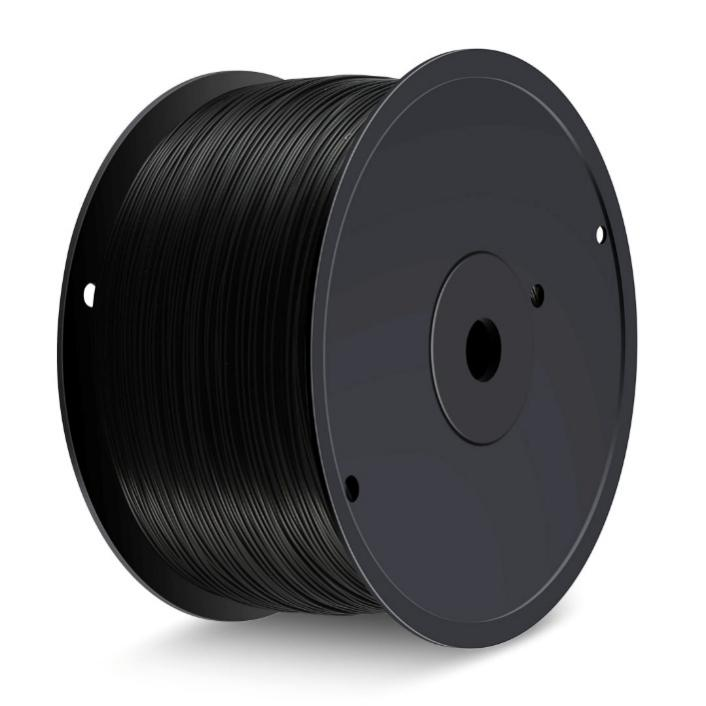
The practical way to use the final part of a PLA roll is to estimate the remaining material, match it to a print with sufficient margin, reduce avoidable support and purge waste, and protect opened filament from moisture. The aim is to prevent usable material from being stranded by a print that runs out near completion or by poor storage.
For hobby users, prototyping teams, classrooms, and small print farms, a basic material-management process can make partial rolls easier to use.
Start by Measuring the Remaining PLA
Before starting a large print, estimate the remaining filament by weighing the spool and subtracting the known empty-spool weight. Compare the estimated material amount with the slicer’s projected consumption, allowing a margin for startup lines, supports, and other material use specific to the printer and print workflow. If the empty-spool weight is unknown, treat the estimate as approximate and choose a print with a comfortable margin.
SUNLU’s current 5 kg PLA product is listed as 1.75 mm filament with dimensional accuracy of ±0.02 mm. The product page lists black, white, grey, red, silver, and gold options. These details help determine whether a partial roll fits the printer and project requirements.
| Check | Practical action |
| Remaining quantity | Estimate from spool weight or filament length |
| Material | Confirm PLA before assigning the roll |
| Diameter | Match the printer’s required size |
| Color | Select a compatible project |
| Print demand | Compare the slicer estimate with available material |
| Storage | Keep opened filament sealed and dry |
Match a 3D filament spool to the Right Print
A partially used roll can be assigned to smaller prototypes, brackets, organizers, replacement components, display pieces, or calibration models because their material demand is easier to estimate.
A 3D filament spool with limited material can also be reserved for parts where the color is acceptable rather than critical. This prevents short remnants from remaining unused simply because they are insufficient for a large model.
For several open rolls, record the material type, color, approximate weight, and opening date. A simple spreadsheet can support stock rotation and make future print planning easier.
Reduce Purge, Supports, and Failed Prints
Filament waste can come from the printing process rather than the model. Review the slicer preview and check material assigned to supports, brims, rafts, purge structures, and repeated test objects.
Changing model orientation can sometimes reduce support requirements. Any adjustment should still be checked for surface quality, dimensional requirements, and structural needs.
Multi-material workflows may generate additional purge waste during material changes. When the objective is to finish a small PLA remnant, a single-material job may make consumption easier to predict.
Printer settings should also be based on the specific filament. SUNLU’s official 5 kg PLA page lists the following recommendations:
| Parameter | SUNLU PLA recommendation |
| Drying | 50°C in a blast drying oven |
| Printing/storage humidity | Below 20% RH in a sealed container with desiccant |
| Nozzle temperature | 200–230°C |
| Bed temperature | 50–65°C |
| Printing speed | 50–100 mm/s |
| Filament diameter | 1.75 mm |
| Dimensional accuracy | ±0.02 mm |
These values are starting ranges rather than universal settings. Actual nozzle, bed, cooling, extrusion, and speed adjustments depend on the printer, nozzle, model, and environment.
Plan Small Prints Around Leftovers
A simple “remnant queue” can keep partial rolls in circulation. When a spool becomes nearly empty, record its estimated amount and assign it to future jobs with similar material requirements.
Spool size also affects how leftovers accumulate. SUNLU’s 5 kg collection includes PLA, PLA+, PETG, ABS, and high-speed PLA, and its collection information notes that the larger format can reduce the frequency of mid-print filament changes for larger models and repeated printing workloads.
When comparing filament spools, consider print volume, storage capacity, printer compatibility, and frequency of use for each material or color.
Store Remaining PLA Properly
SUNLU provides a reference drying setting of 50°C and recommends keeping PLA in a sealed container with desiccant at below 20% RH. These are product-specific guidelines; users should also consider the filament’s condition, the surrounding environment, and the instructions for their particular product.
For opened rolls, an airtight container or vacuum bag with desiccant can limit moisture exposure. Label each package with material type and opening date to simplify stock rotation.
The storage life and printing performance of opened PLA filament depend on its storage conditions and moisture exposure. Keep the material sealed in a cool, dry environment with desiccant, and assess its condition before use rather than relying on a fixed shelf-life estimate.
Moisture-exposed filament may show popping or sizzling during extrusion, increased stringing, rough surfaces, or inconsistent results. Drying the material may help when moisture is the cause.
Consider Food Safety and Recycling
SUNLU’s FAQ cautions against using its PLA filaments to print tableware because colorants are added during production and the printed item may also be contaminated by the printer nozzle. Do not assume that a PLA material or a 3D-printed object is suitable for food contact without verifying the material, printing process, and applicable safety requirements.
PLA printing scraps, supports, and failed prints should be disposed of according to local waste-management guidance. Not all household recycling programs accept PLA or 3D-printing waste, so check local requirements before placing these materials in a recycling bin.
Using the final meters of a roll is mainly a planning exercise: measure the remainder, select jobs that fit, inspect the slicer for avoidable waste, apply filament-specific settings, and store opened material correctly. For users working with larger quantities of PLA Filaments, matching spool size to print volume and maintaining basic inventory records can make partial material easier to use. A consistent record also helps identify which colors and materials are being consumed fastest. SUNLU lists multiple filament categories and spool formats for different FDM printing requirements.
